Title here
Summary here
 Short (6-8 minutes)
TLDR - What this guide covers
Blocks are contained in the first and second tab of the editor. They are solid, meaning they can be stood on without death. However, if a player comes into contact on the sides or bottom, they will be killed. Their hitboxes are always a rectangle, being identical to how they appear visually.
Blocks, due to being a solid, cannot be rotated. The rotate trigger simply moves the block instead of also putting it at an angle.
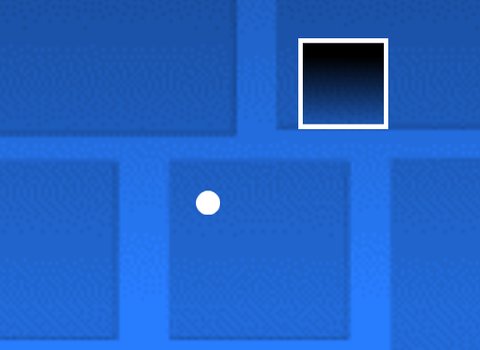
There are four types of blocks:


Outline Blocks act identically to blocks, but work better as a blank canvas for decoration, giving the player a clearer idea of what is and isn’t decorational.
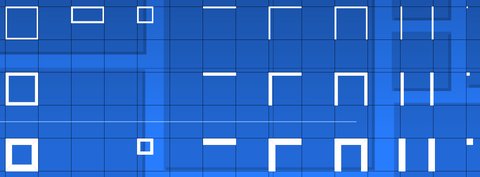
They have many more variations than just a simple box, having a single line (which has a different hitbox), an L shape, the pillar blocks, and a corner piece. There are also three different thicknesses.
Breakable Blocks get destroyed when approached from the side or the bottom. In Platformer mode, hitting it from the bottom bounces the player off of the block as if it has an H block on it, but in Classic mode they go through it.

Vanishing Blocks slowly fade away, reaching a near-zero opacity as they get closer to the player. This effect then reverses as it moves away. This is purely visual, and does not have an effect on how the player interacts with it. This opacity can change depending on whether âNoGlowâ is ticked in the Edit Group’s Extra menu. For the examples below, NoGlow is disabled.
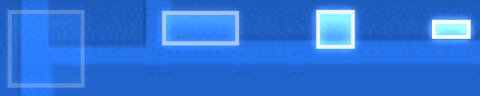
Some blocks also have different, more unconventional hitboxes.

Slopes are located in the second and third tab of the editor. Just like blocks, they can be stood on and kill you if hit from the bottom or a side. Unlike blocks, they have a triangular hitbox which lets you slide on the angled part.
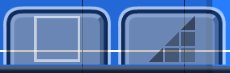
Slopes, like blocks and all other solids, cannot be rotated. However, you can warp them to change their angle.
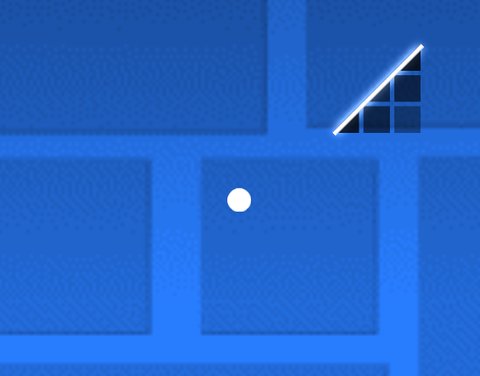
There are only two types of slopes:

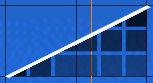
Slopes also have outlines, although they have no thickness variations except on the corner pieces. They are still just as useful for decoration.
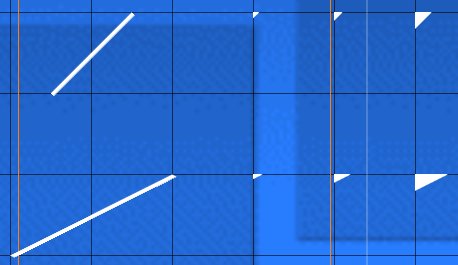
Vanishing Slopes do the exact same thing as Vanishing Blocks.
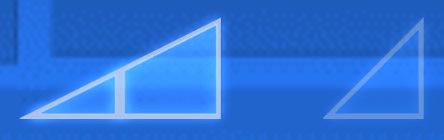
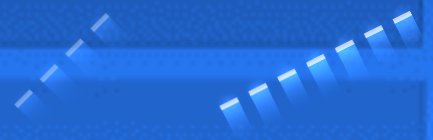

Spikes are located in the fourth tab of the editor. They are hazards, killing the player upon contact. Their hitbox is rectangular, being elevated around ~¼ of the spike’s height.
Unlike blocks and slopes, spikes can be rotated, as it is not a solid; however, the slope spikes are an exception to this since they have a solid slope hitbox on them.
There are four types of spikes:


Unlike solids, spikes do not have outline objects. They can be recreated using the color spikes, but they are not a default object in the editor.
Ground Spikes are spikes made to be put on the ground. They are often used to catch the player, preventing skips while looking more natural in groups. They are more useful for decoration, but are still good to know about. Their hitboxes vary, and don’t follow the same conventions that traditional spikes do.
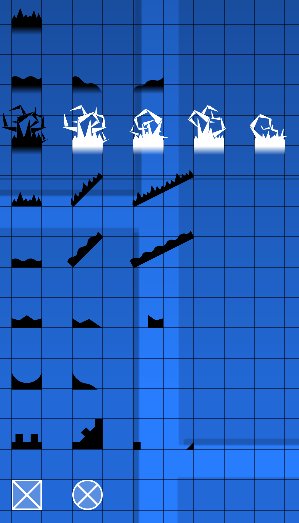
Vanishing Spikes act the same way as any other Vanishing object.

Some of the spikes have slightly unconventional hitboxes.
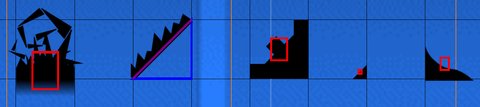
Saws are located in the twelfth tab of the editor. Just like spikes, saws are hazards and kill the player upon contact. Instead of the spike’s rectangular hitbox, the saws’ hitboxes have a circular shape, usually extending (approximately) until the teeth.
Saws can also be rotated, just like spikes, although it isn’t as noticeable since they spin anyway. However, you can customize the rotation using
 Edit Special.
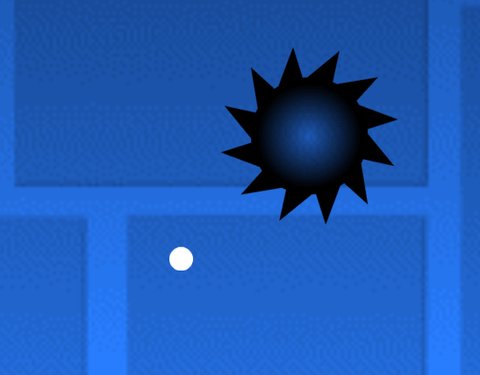
There are three types of saws:
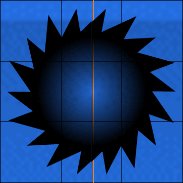

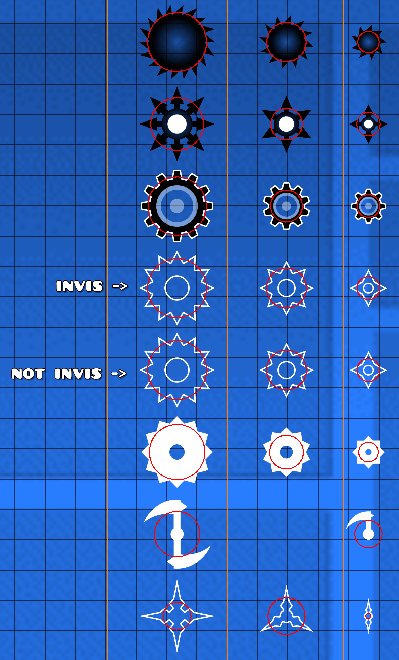
Saws have a lot of variations - 8 of them, to be exact. These all share different hitboxes between each other. These differences need to be kept in mind when making gameplay (especially with the last one), since choosing the right saw can make a positive or negative impact on the gameplay.
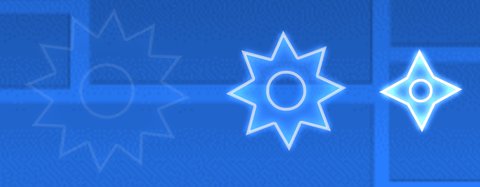
Vanishing Saws also exist, having a blue button instead of a grey one. They do exactly what all other vanishing objects do - slowly fade away as the player approaches.
These objects are a hybrid between saws and spikes. Despite being in the saws tab, looking like saws, and having the same circular hitboxes as them, they act more like spikes, due to having no automatic rotation.
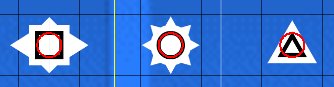
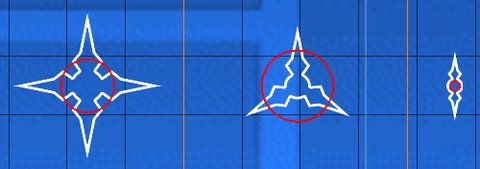
These saws have incredibly unconventional hitboxes, so use them wisely.
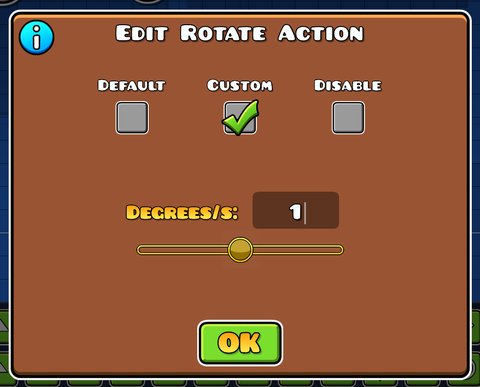
You can select a saw and click on
Edit Special to give them a custom rotation. There are three options: the default rotation, which randomly fluctuates between a set of rotation speeds; the custom rotation which lets you input a specific rotation speed measured in degrees per second; and the disable rotation, which ceases all rotation on the block.
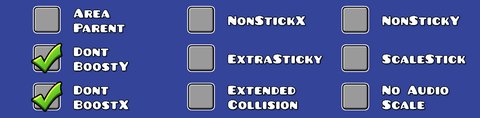
In addition to these objects, you can modify their properties to your liking. To do this, select an object, click on
 Edit Group, and click on the Extra button to the right.




F6 in the editor to show these hidden objects if needed.




 .
.